
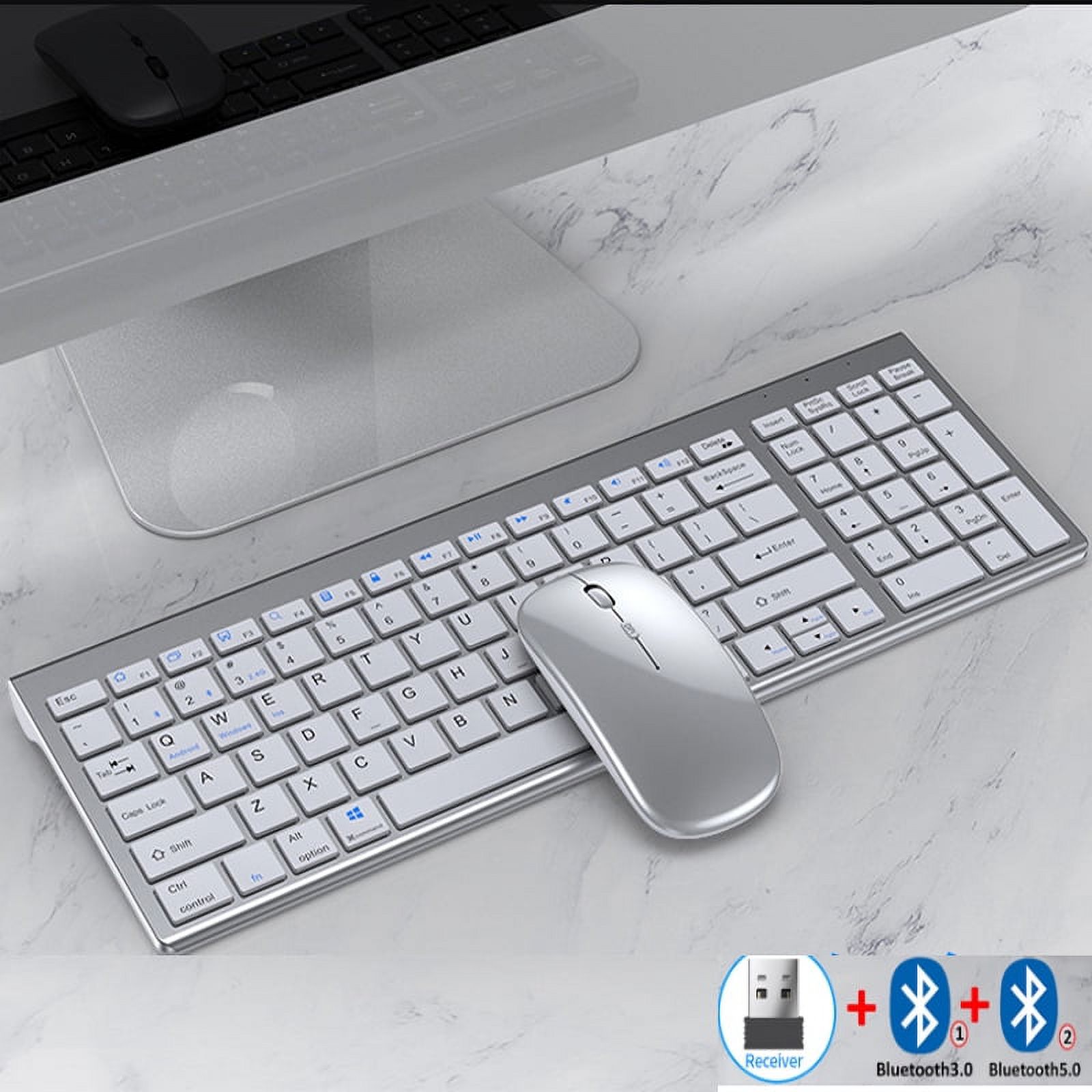
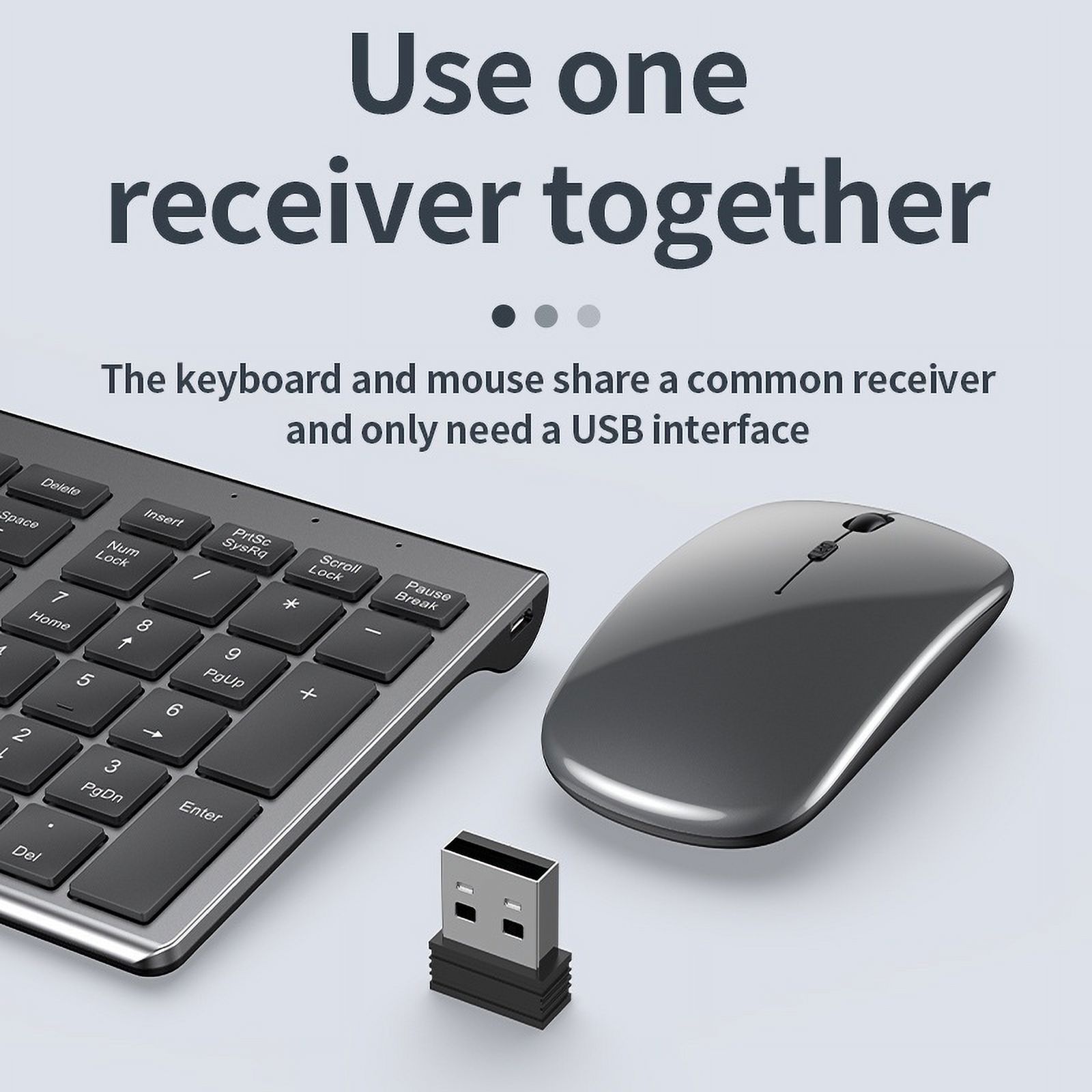
Jomaa Slim Rechargeable Bluetooth Keyboard and Mouse Set for Laptop Computer 2.4G USB Wireless Keyboard and Mouse Combo
Product details
| Management number | 238519277 | Release Date | 2026/07/11 | List Price | $160.00 | Model Number | 238519277 | ||
|---|---|---|---|---|---|---|---|---|---|
| Category | |||||||||
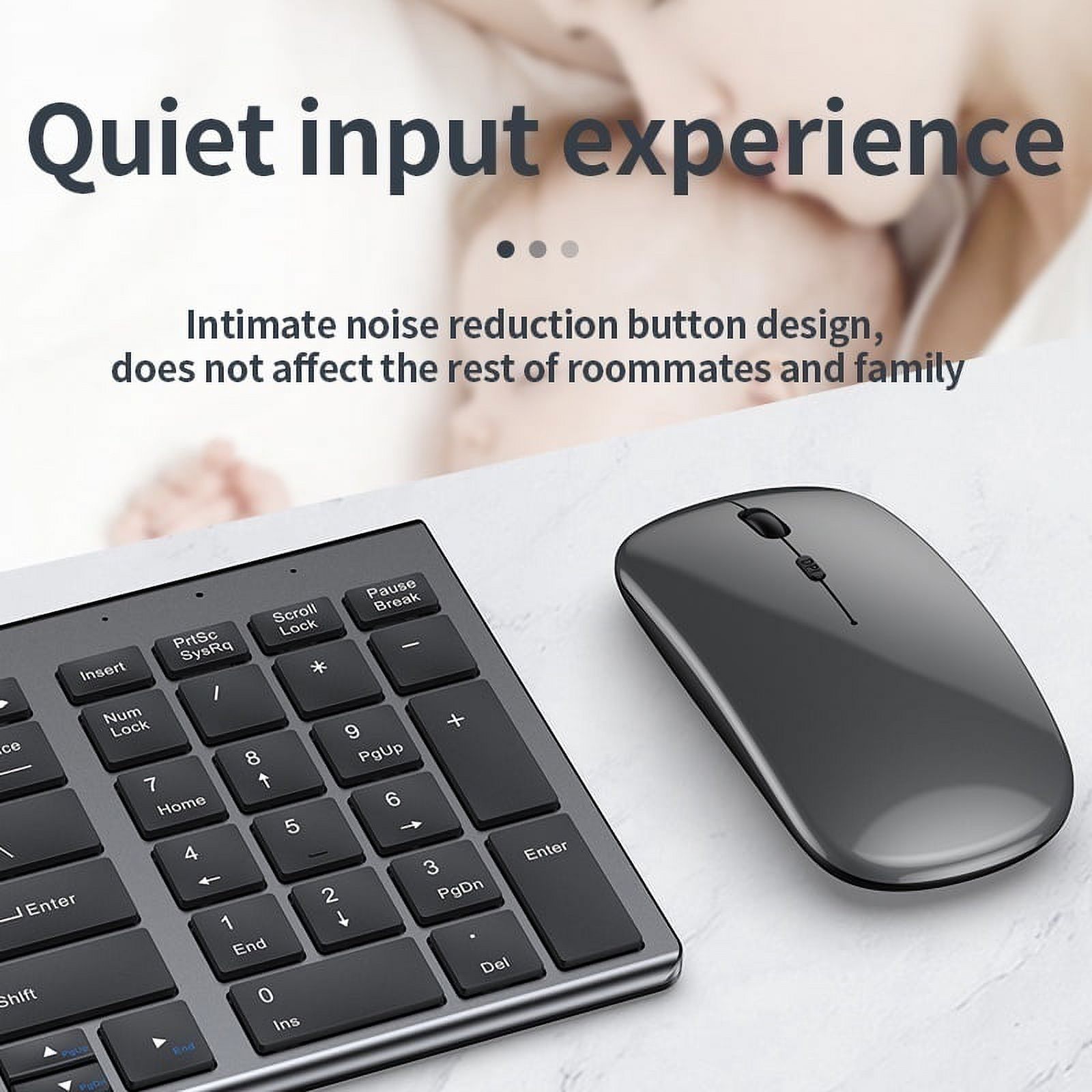
Hign-concerned Chemical:None With Multimedia Function Keys:Yes Mouse Connection:WireLess Supports Human Engineering:Yes Applicable Object:for laptop Package:Yes Keyboard Connection:WireLess Type:ERGONOMIC,Gaming,Multimedia,Russian Version,SLIM,Standard,WireLess Products Status:STOCK Battery Included:Yes Brand Name:JOMAA Origin:Mainland China Interface:Bluetooth,USB Certification:CE,RoHS Optical Resolution:1600 DPI
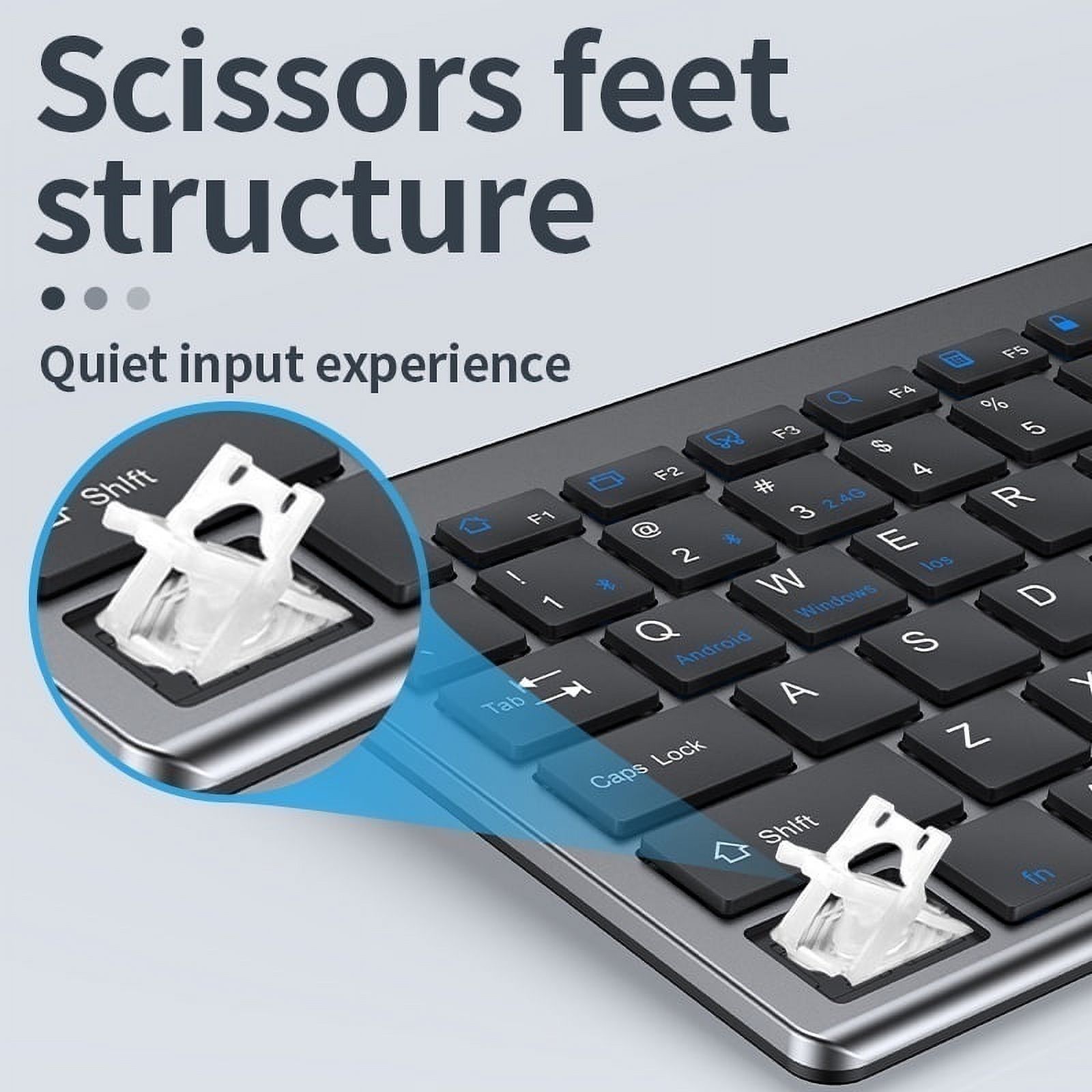
- USB2.4G connection: 1.Flip the power switch to ON to turn on the keyboard 2.Insert the USB into the computer, press and hold the button FN+~, the connection is successful Bluetooth connection: 1.Flip the power switch to ON to turn on the keyboard 2.Turn on your device's Bluetooth to enter the search state (system settings - turn on Bluetooth - search and add) 2.Press and hold the key FN+1 or FN+2 or FN+3 on the keyboard, the light flashes, the device will display "O50 keyboard BT", you can click to connect successfully.
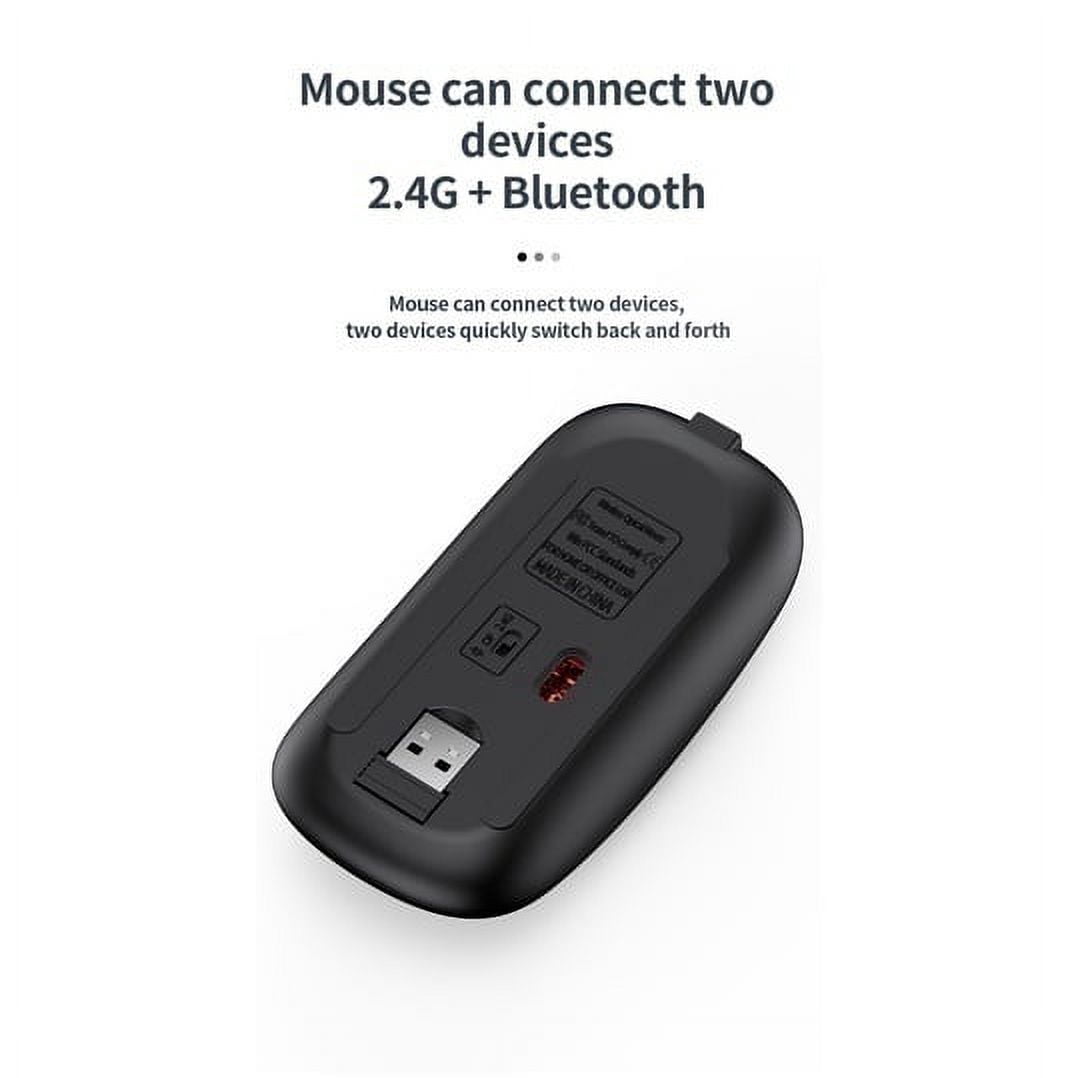
- Multi-device connection: 1.FN+1: Connect to Bluetooth device 1 2.FN+2: connect to bluetooth device 2 3.FN+3: connect to bluetooth device 3 4.FN+~: connect to USB, 2.4G wireless reception 5.Press FN+1/2/3/~ alone to switch the paired devices 6.FN+1/2/3, press and hold for 3 seconds in combination: flashing light, can start the searched state (connect a new device)
- Additional instructions: 1.For the first connection, you need to switch the keyboard to the corresponding system 2.Failure to switch may cause the function keys to not be used normally! 3.The keyboard distance is 5-10 meters, and the language environment factors of different devices are related to the distance.
- troubleshooting: 1. When the keyboard cannot be searched, please try to turn on the bluetooth on the device to search again 2. When the keyboard is turned on and there is no indicator light, try to charge the keyboard. 3. After connecting to other devices, go back to the original device again, you need to delete the old record before you can connect 4. When the pairing fails, you need to delete the failed pairing record, and then perform the second pairing
| Brand | JOMAA |
|---|---|
| Wireless | Bluetooth, 2.4G |
| Power type | Corded Electric |
| Color | Silver Hebrew |
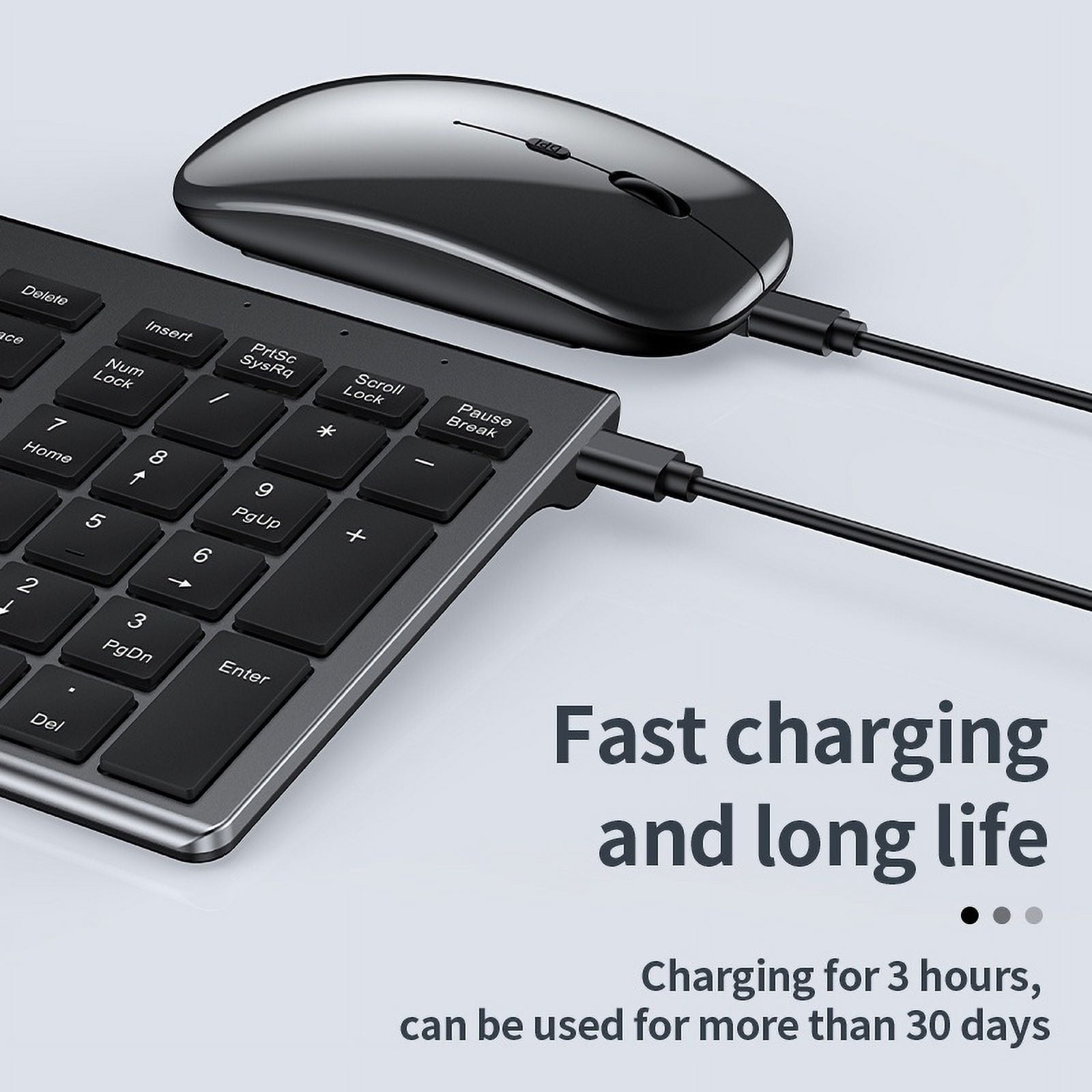
| Features | Rechargeable |
| Connection | USB, Bluetooth |
| Battery consumption type | Integrated Rechargeable Battery |
| Motion detect | Optical |
| Has written warranty | No |
| Assembled product weight | 1 lb |
| Retail packaging | Set |
Bestseller ranking
Languages Flash Cards
Customers who viewed this product also viewed
Computers


Correction of product information
If you notice any omissions or errors in the product information on this page, please use the correction request form below.
Correction Request Form